Square Root Sign on Mac: How to Type √, Copy It, and Fix Shortcuts
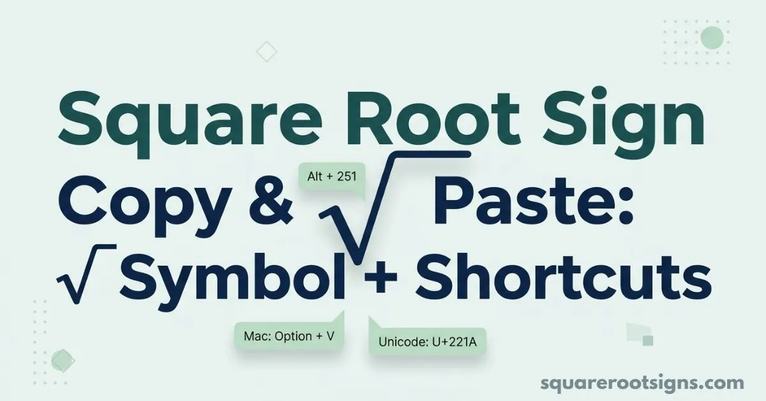
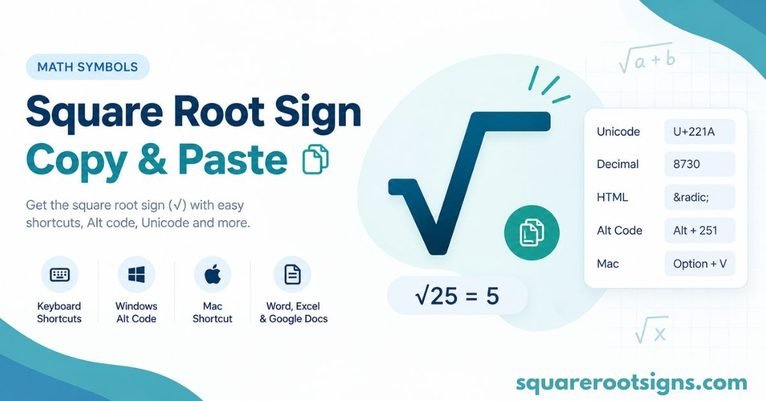
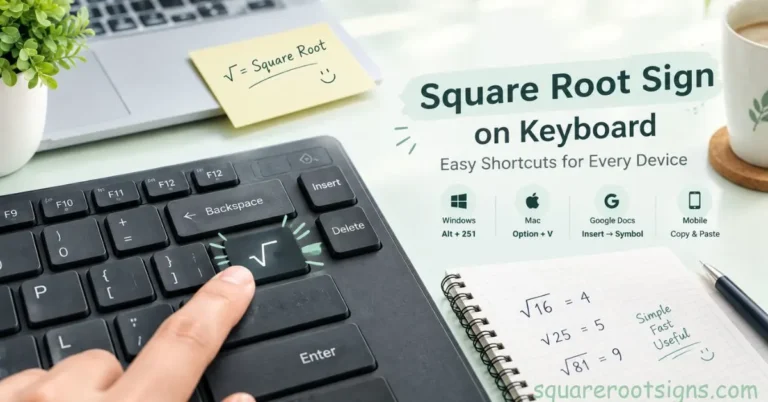
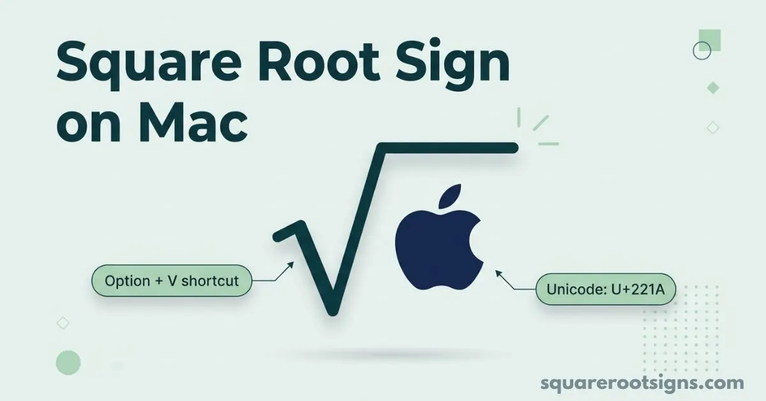
If you need the square root sign on Mac, press Option + V to type √. If the shortcut does not work, open the Character Viewer with Control + Command + Space, search for “square root,” and insert the symbol manually. You can also copy the ready-to-use symbol here: √. Apple documents Option + V…