Diameter Sign (⌀): Copy, Paste, Meaning & Keyboard Shortcuts
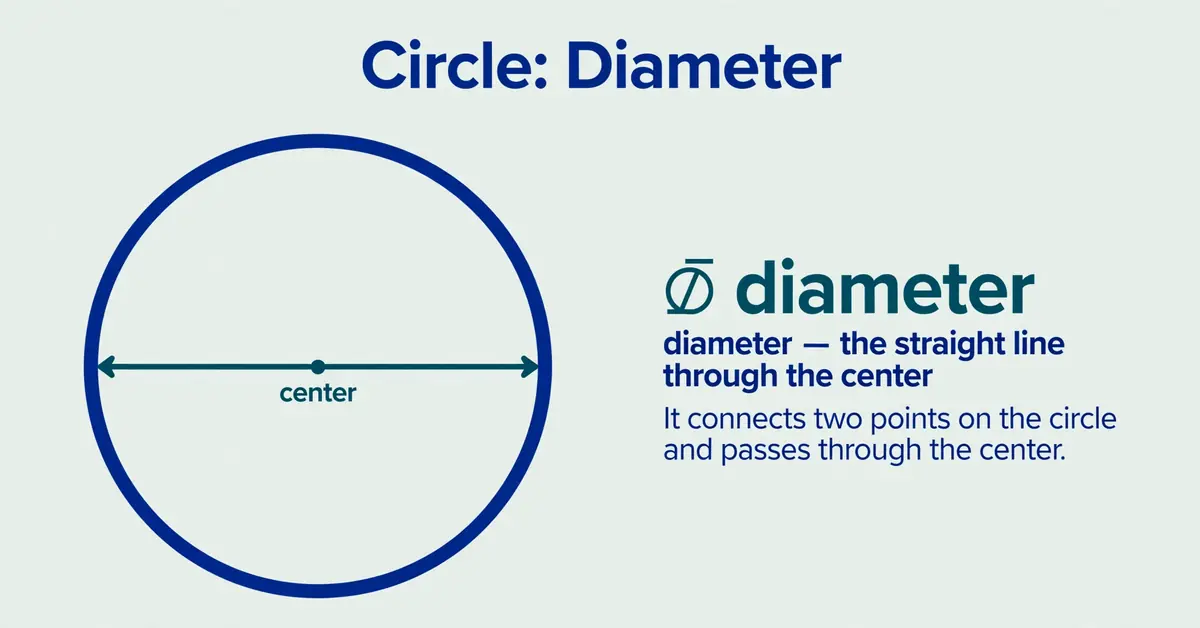
The diameter sign (⌀) is a technical symbol used to identify the diameter of a circular feature. You can copy and paste it directly from this page: ⌀. Its Unicode code point is U+2300, and it is commonly used in technical text, measurement references, and engineering-related documentation.
If you need to type the diameter symbol, the best method depends on your device and application. Microsoft Word supports Unicode hexadecimal conversion, macOS offers Character Viewer, Google Docs has a special-character tool, and AutoCAD supports its own diameter-symbol control code.
Diameter Sign: Copy and Paste the Symbol
Copy this character: ⌀
Select the symbol above and copy it using Ctrl + C on Windows or Command + C on Mac. Place your cursor where you want the symbol, then paste it using Ctrl + V or Command + V.
Copying the character is usually the quickest option when you need the exact Unicode diameter sign without memorizing a keyboard shortcut.
What Is the Diameter Sign?
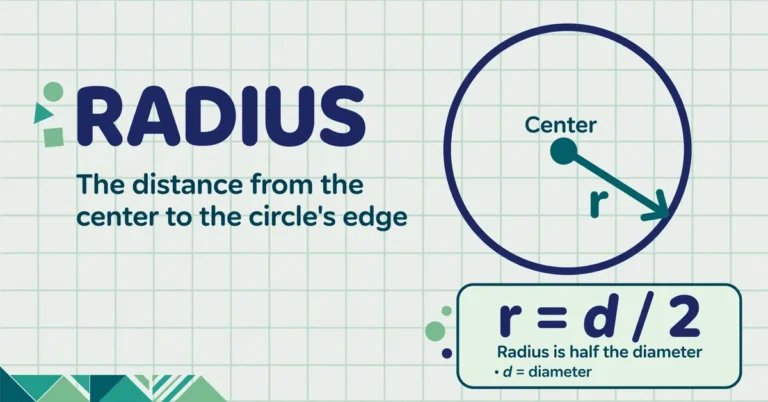
The diameter sign is ⌀, a character used to indicate that a dimension represents a diameter rather than a radius or another measurement. A diameter is the distance across a circle through its center.
For example, ⌀25 mm is an illustrative way to write a diameter of 25 millimeters.
Diameter Sign: Unicode Code and Character Details
The Unicode Consortium identifies the character as DIAMETER SIGN, with the code point U+2300. Its decimal value is 8960.
| Property | Value |
|---|---|
| Symbol | ⌀ |
| Official Unicode name | DIAMETER SIGN |
| Unicode code point | U+2300 |
| Decimal value | 8960 |
| HTML decimal reference | ⌀ |
| HTML hexadecimal reference | ⌀ |
| Unicode block | Miscellaneous Technical |
Diameter Sign vs. Ø, ∅, and Phi
Several characters resemble the diameter sign, but they have different identities and meanings.
| Character | Unicode | Meaning |
|---|---|---|
| ⌀ | U+2300 | Dedicated diameter sign |
| Ø | U+00D8 | Latin capital letter O with stroke |
| ø | U+00F8 | Latin small letter o with stroke |
| ∅ | U+2205 | Empty-set symbol in mathematics |
| φ | U+03C6 | Greek small letter phi |
| Φ | U+03A6 | Greek capital letter phi |
Is Ø the Same as the Diameter Sign?
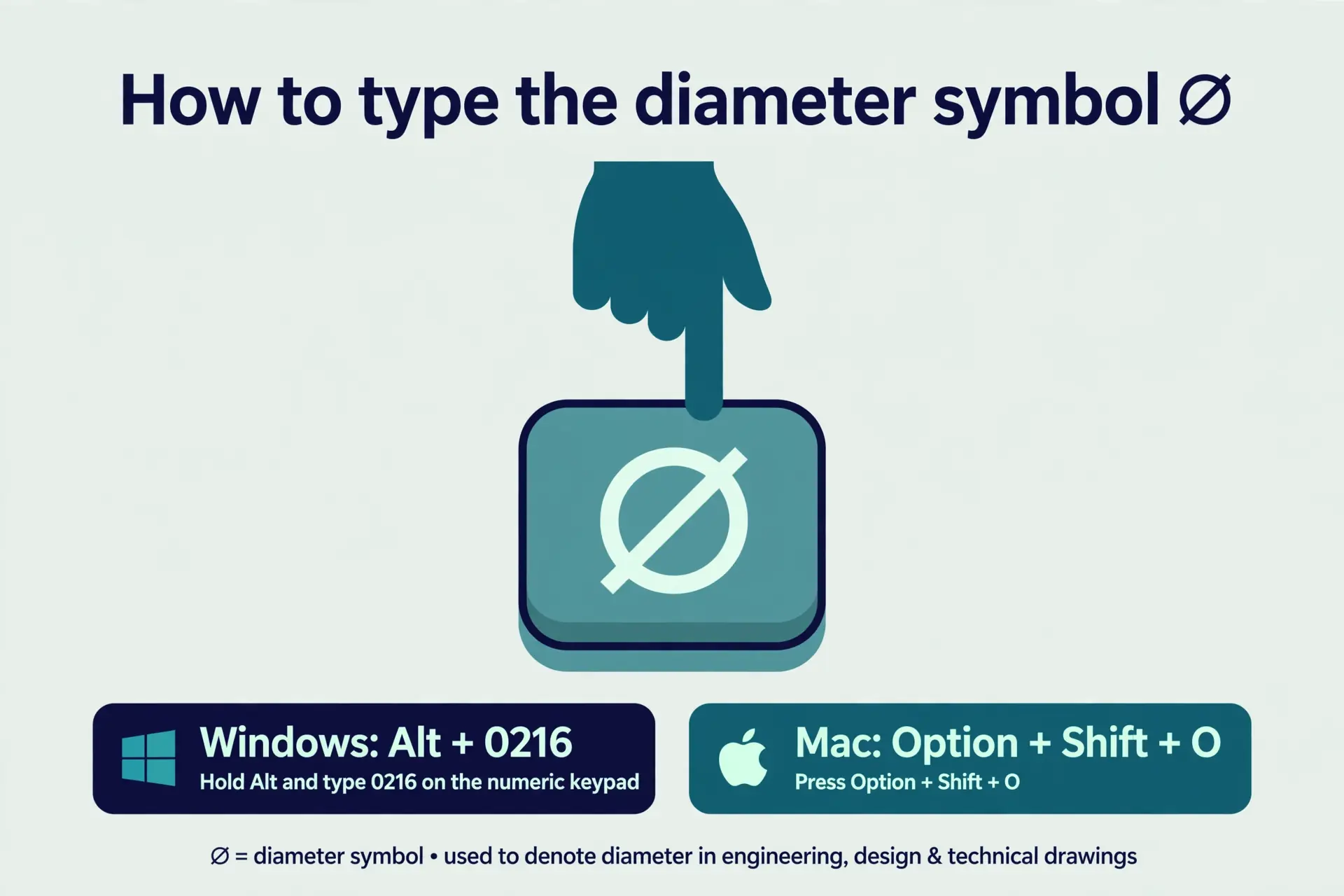
No. The dedicated diameter sign is ⌀, while Ø is a Latin letter used in languages including Danish and Norwegian. The Windows shortcut Alt + 0216 produces Ø, not the dedicated Unicode diameter sign.
Diameter Sign vs. Empty-Set Symbol
The diameter sign ⌀ and the empty-set symbol ∅ look similar but serve different purposes. In mathematics, ∅ represents a set with no elements.
Diameter Sign vs. Greek Phi
The Greek letters φ and Φ are distinct characters with context-dependent meanings. They are not the Unicode diameter sign.
How to Type the Diameter Sign on Windows
Method 1: Copy and Paste
- Copy the character ⌀ from this page.
- Open your document or application.
- Place the cursor where you need the symbol.
- Press Ctrl + V to paste it.
- Check that the symbol displays correctly.
Method 2: Use Character Map
Character Map is a Windows utility for finding and copying special characters.
- Open the Windows Start menu.
- Search for Character Map and open it.
- Browse and locate the diameter sign.
- Select the character and choose Copy.
- Paste it into your document.
Method 3: Use Unicode Conversion in Word
- Open Word and place the cursor where you want the symbol.
- Type 2300.
- Press Alt + X.
- Word should convert the code into ⌀.
Is There an Alt Code for the Diameter Sign?
There is no universally reliable Alt code for ⌀. Alt + 0216 produces Ø. Use Word’s Unicode conversion or copy-paste.
How to Type the Diameter Sign on Mac
Use Character Viewer
- Press Control + Command + Space to open Character Viewer.
- Search for diameter or browse the available symbols.
- Select ⌀ if it appears, then insert it.
Does Option + Shift + O Type the Diameter Sign?
No, it produces Ø. Use Character Viewer or copy-paste for ⌀.
How to Insert the Diameter Sign in Word, Excel, and Google Docs
Microsoft Word
Type 2300, press Alt + X. Or use Insert → Symbol → More Symbols.
Microsoft Excel
Enter =UNICHAR(8960) in a cell. It returns ⌀.
Google Docs
Insert → Special characters, search for “diameter”, select ⌀.
Diameter Sign in HTML, CSS, JavaScript, and LaTeX
HTML
Use ⌀ or ⌀. Both represent ⌀.
CSS
Use the Unicode escape \2300 in content strings.
JavaScript
Use “\u2300” or the literal ⌀ character.
LaTeX
The wasysym package provides \diameter. Verify output before formal use.
Diameter Sign in AutoCAD and Technical Drawings
AutoCAD uses %%c as a diameter-symbol control code in supported text contexts.
Diameter Notation in Engineering Drawings
Example: ⌀10 mm means a 10mm diameter. Follow applicable drafting standards (e.g., ASME Y14.5).
Diameter Sign Troubleshooting
Why Does the Diameter Sign Appear as a Square?
The font may not support it. Try a different font and re-export.
Why Does My Shortcut Produce Ø Instead of ⌀?
The shortcut inserts the Latin letter Ø. Use a method targeting U+2300 specifically.
Why Does the Symbol Change After Exporting?
Font substitution during conversion. Check the original, try a supporting font, and verify the exported file.
Common Mistakes to Avoid
- Confusing ⌀, Ø, and ∅
- Assuming Alt codes work everywhere
- Ignoring font support
- Using CAD codes in unrelated apps
- Skipping final checks
Frequently Asked Questions
What is the diameter sign?
The diameter sign is ⌀ (U+2300), used to indicate a diameter measurement.
How do I copy and paste the diameter sign?
Copy ⌀. Use Ctrl+C/Ctrl+V (Windows) or Command+C/Command+V (Mac).
What is the Unicode code for the diameter sign?
U+2300 (decimal 8960).
What is the Alt code for the diameter sign?
No universal Alt code exists. In Word: type 2300, press Alt + X.
Is Ø the same as the diameter sign?
No. Ø is a Latin letter; ⌀ is the dedicated diameter sign (U+2300).
How do I type the diameter sign on a Mac?
Control + Command + Space → Character Viewer → search “diameter”.
How do I insert the diameter sign in Word?
Type 2300, press Alt + X. Or Insert → Symbol.
What does ⌀25 mm mean?
A diameter of 25 millimeters.
Why does the diameter sign appear as a square?
Font doesn’t support it. Try another font.
Can I use the diameter sign in HTML?
Yes: ⌀ or ⌀.
Is the diameter sign the same as the empty-set symbol?
No. ⌀ is U+2300; ∅ is U+2205.
Can I use the diameter sign in AutoCAD?
Yes, via the %%c control code in supported contexts.
Related symbol guides: learn how to type math symbols on any device, copy the radius sign, or check the official Unicode chart for U+2300.

Jack Harrison is a contributor at Square Root Signs, sharing creative ideas, useful information, and engaging content to help readers discover something valuable with every visit.